Home > Personal > Signing up for Business Cover
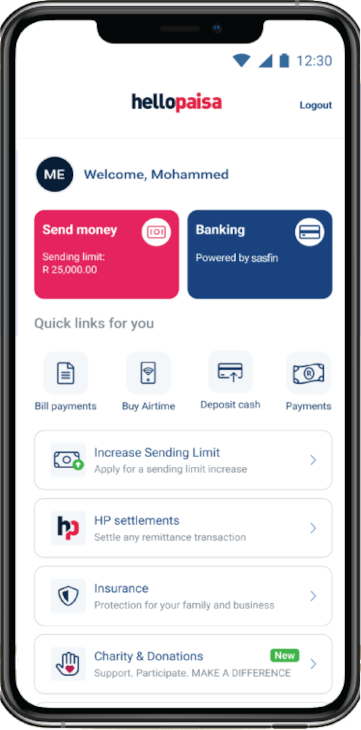
Click on the HelloProtect, insurance button
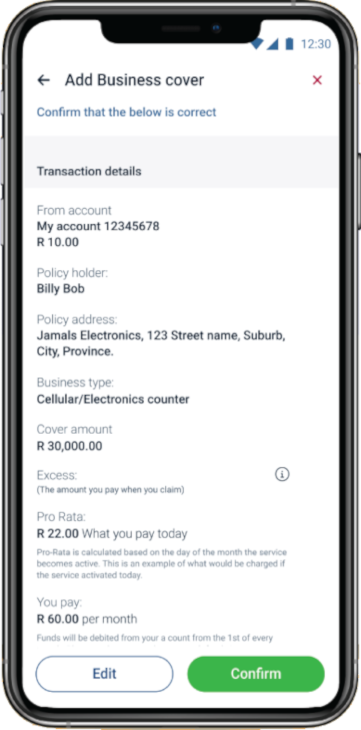
Click on the “View Business Cover” button
Accept the payment that will be deducted monthly from your bank account.
If you are unsure of what to do please watch the video.