Home > Personal > Signing up for Business Cover
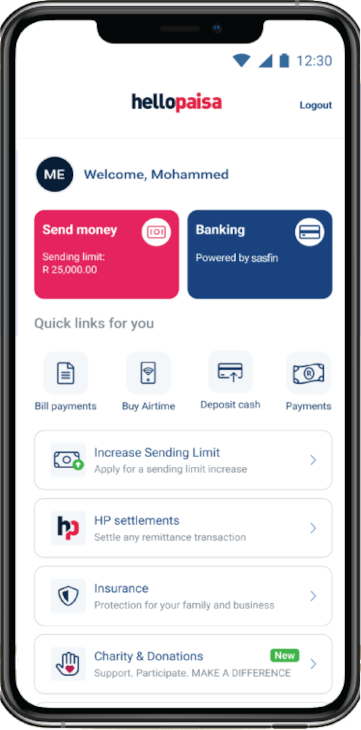
Click on the HelloProtect, insurance button
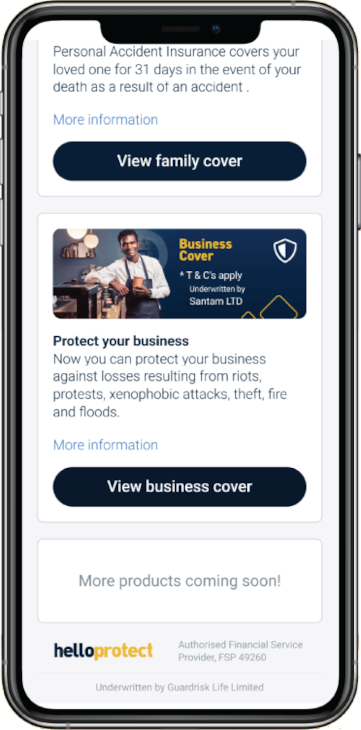
Click on the “View Business Cover” button
If you are unsure of what to do please watch the video.